AllinAuckland

REWARD QR

REWARD QR

  • AUCKLAND REWARD QR
  • Sample board
Reward QR - Privacy-Free Loyal Customer Connection Platform
Reward QR Banner

Reward QR - The Magic Key to Building Loyal Customers

  • Introduction
  • What is Reward QR?
  • Key Advantages
  • How It Works
  • Use Cases
  • Process
  • Pricing
  • Registration & Payment
  • Brochure
  • Get Started

A Revolution: Build 100 Loyal Customers Without Advertising Costs

Traditional business marketing required huge ad spend for one-time exposure or collecting customer personal information with associated risks. Reward QR breaks away from this ad-centric model and creates a “participation-based data asset” system where customer engagement becomes promotion and rankings become brand power.

100 Loyal Customers Strategy

Each store secures a core group of 100 loyal customers via Reward QR, owning an independent channel for direct communication and marketing without ad costs.

Zero Personal Information

Connect with customers without names or phone numbers. Completely eliminates privacy law violations and hacking risks.

Local Win-Win Network

Natural cooperative marketing through customer circulation among partnered stores.

The primary target customers of this platform are modern consumers who dislike cumbersome registration processes and are sensitive to personal data leaks.
• Zero-Friction Preference: Capture the 70% of potential customers who drop off during app installation or sign-up.
• Proactive Consumers: Seek an experience as “active choosers” who are not dependent on platforms and select benefits and relationships only when needed.

What is Reward QR?

Reward QR is not just an information lookup tool—it is a global secure passport that instantly generates a personal ID (CubicPass) and personal AI portal (MetaCubic) in 1 second without any personal information input.

The moment a user scans a QR sticker placed in a store, they instantly join that store’s loyal customer group without providing a name or phone number, and their personal digital mailbox is activated.

Reward QR Mechanism

How Reward QR Works

See the magical experience of a customer becoming a regular in just 3 seconds!

Key Advantages of Reward QR

For Business Owners

  • Zero Risk: No storage of personally identifiable information (PII) → no privacy law violations or hacking risks.
  • Cost Savings: Drastically reduces marketing expenses such as SMS fees, app development, and flyer printing.
  • Win-Win Effect: Linked with regional and specialty portals, creating network effects where customers flow to partnered stores.

For Customers

  • Login-Free: Receive benefits instantly without sign-up or login.
  • Security Integrity: Fone2Web technology binds links to the user’s device, protecting against smishing and phishing.
  • Data Assetization: Reviews and photos left by users are protected by copyright via AI indexing and rewarded in real-time (RewardCubic).

Main Applications and Use Cases

Reward QR is placed throughout offline touchpoints to connect customers to the digital ecosystem in real time.

  • Restaurants & Cafés: Attach to tables, counters, or packaging to instantly issue discount coupons or accumulate stamps.
  • Hospitals & Pharmacies: Issue secure personal addresses for appointment management and safe delivery of health information.
  • Communities & Churches: Place on bulletins or notice boards to manage member activities and provide benefits linked to local businesses.
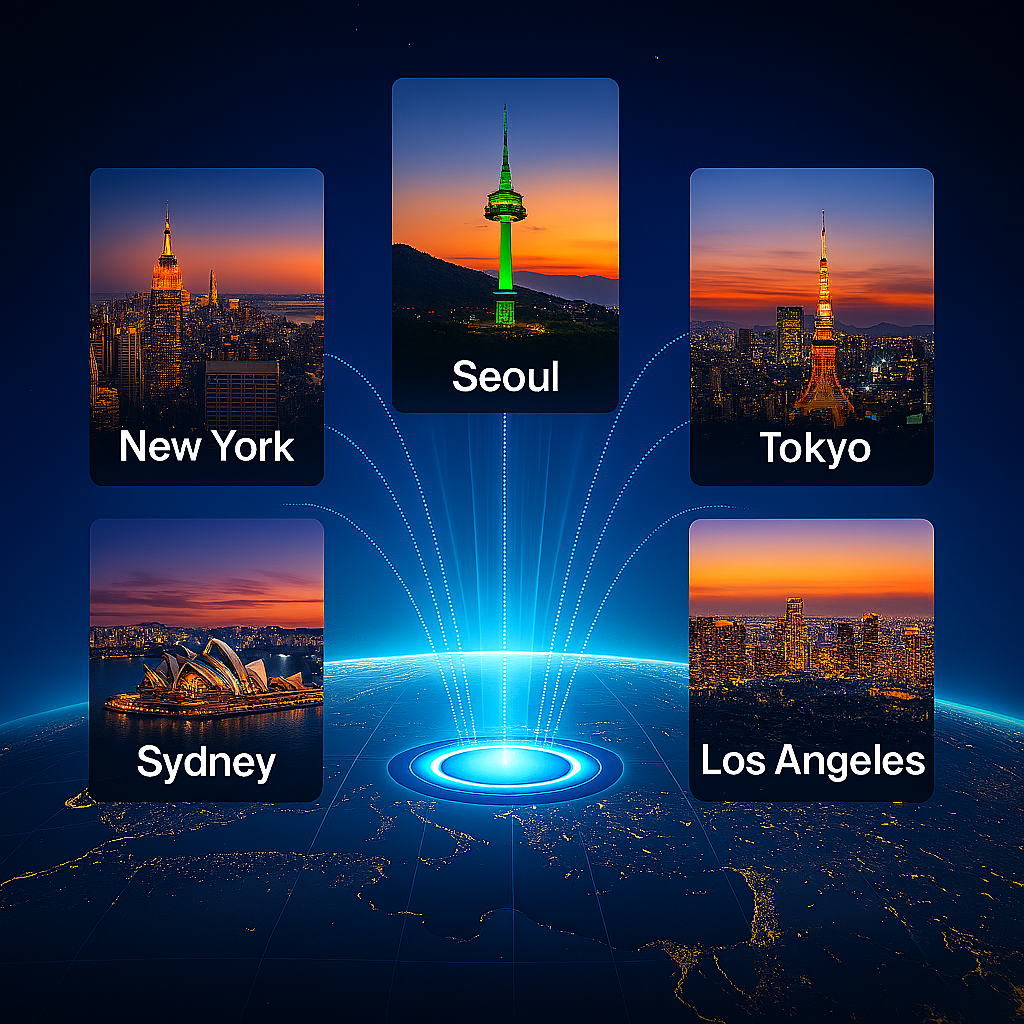
  • Global B2B Exposure: Content generated via Reward QR is automatically exposed on major city portals worldwide based on semantic relevance.

Implementation Process

1

QR Scan

Customer scans the QR sticker in the store.

2

Pass Issuance

Anonymous ID (CubicPass) and MetaCubic address are automatically generated without personal information.

3

Relationship Formation

Customer becomes “friends” with the store owner, and information is stored in their inbox.

4

Rewards & Win-Win

Instant rewards based on behavioral data analysis, with benefits continuing automatically when visiting partnered stores.

In metaphor: Reward QR is like a “magic keyring that lets you freely enter any city as a VIP without showing ID.”
Simply holding it to the door (QR scan) opens your personal treasure chest (personal portal), and every step you take automatically accumulates gold coins (rewards)—a truly innovative experience.

Pricing Plans – Per 100 Customers (USD/month)

Start loyal customer marketing at small-business-friendly prices (adjusted to current exchange rates)

Plan Loyal Customers Price (USD/month) Key Features
Starter Up to 100 $29 QR Generation · Comment Alerts · Basic Promotion
Growth Up to 200 $49 AI Auto-Promotion on Other Platforms · Reward Subscription
Pro Up to 300 $69 Coupons/Stamps · Comment Management · Reward Subscription
Business Up to 500 $99 Coupons/Stamps · Comment Management · Reward Subscription · Loyal Group Management
Premium Up to 1,000 $179 Multi-location Management · Full CRM Integration
Enterprise 5,000+ Contact Us Custom Integration · Dedicated Support

* Additional discount for annual payment / Contact for details (tax excluded)

Membership Registration and Payment Instructions

Follow these steps to register as a business member and complete your plan payment via PayPal.

1

Sign Up

Click the “Sign up” button at the top right of the website. Enter your ID, password, email address, name, gender, and phone number.

2

Company Information & Email Verification

In the company information section, enter your business name, and enter your position in the position field. Upload or use the thumbnail QR code, agree to the terms and conditions, and then click Submit.

A confirmation email will be sent to the email address you provided. Open the email from the local portal and click the confirmation link to complete your registration.

If you do not see the email, please check your spam or junk folder.

3

Login & Access Payment History

On the local portal, click the icon with a small arrow at the top right and log in using your ID and password. After logging in, a round gear-shaped icon will appear at the top left. Click this icon, find the menu labeled Payment History, and select it to view the payment history screen.

4

Make a Payment

On the payment history screen, an Add menu appears at the bottom right. Click Add to display the payment form.

Enter your ID and plan name in the payment details field, enter the plan amount in the Payment Amount field, and click PAYPAL to proceed to the payment screen.

Even if you do not have a PayPal account, you can complete the payment by entering your email address and paying by card.

Once your PayPal payment is completed, we will contact you immediately and provide instructions along with a customer QR code according to your selected plan.

Full Proposal Brochure

View the detailed proposal brochure (3 pages)

Brochure Page 1 Brochure Page 2 Brochure Page 3

※ In actual operation, upload real brochure images and replace URLs.

Start Reward QR Today!

Businesses can build 100 loyal customers, and customers can enjoy privacy-protected benefits instantly.

Business Free Sign-Up / Partnership Inquiry Customers - Start Scanning QR

Get started right away on the SmartCubic platform → https://smartcubic.net

Copyright © 2026 Reward QR & SmartCubic All Rights Reserved.

Privacy First | Zero Cost Risk | The Beginning of the Loyal Customer Economy

SmartCUBIC for Store Owners | Turn Visitors into Regulars
SmartCUBIC
  • Benefits
  • Get Started
  • Staff Scripts
  • FAQ
  • Sign Up
QR · Customer Loyalty · Automated Rewards · Local Exposure

Turn One-Time Visitors
into Loyal Customers

SmartCUBIC connects your store page, QR code, and rewards system to create an automatic loop of Visit → Review → Return. This is not advertising spend — it’s a customer asset that grows.

Get Started & Receive QR 3-Minute Setup

Why Store Owners Choose SmartCUBIC

Repeat Visit Loop

We build repeat visits automatically, not just exposure.

QR-Based Engagement

One QR connects visits, reviews, and rewards.

Automated Rewards

Coupons and points are issued automatically.

Get Started in 3 Minutes

1

Create Your Store Page

Enter your store name, photos, and menu. Your official page is generated automatically.

2

Place Your QR Code

Put it at the counter or table to connect customer actions.

3

Set Your First Reward

Example: “Write a review → Get $1 off” or “3 visits → Free item”.

30-Second Staff Script

“Please scan this QR. Your benefit will be applied automatically. Leave a review and receive a coupon instantly.”

FAQ

How is this different from advertising?

Advertising ends when spending stops. SmartCUBIC builds returning customers.

Do rewards cost extra?

You control reward conditions and limits.

Is it complicated?

No. Setup once — everything else runs automatically.

Start Free Today

Sign Up & Get Your QR Code
SmartCUBIC
Turning customer actions into lasting value
sales@smartcubic.net | www.smartcubic.net
Google Map
© AllinAuckland ^